
Patients need to schedule appointments. Students need access to learning materials. Hotel guests need to make reservations. Residents need access to public information.
When a website gets in the way of those tasks, accessibility becomes a business issue.
When a website creates barriers for people with disabilities, potential customers can struggle to schedule services, submit forms, find information, or complete purchases. In industries where trust, compliance, and public access matter, those barriers can create legal risk alongside lost business.
We see this regularly with clinics, law firms, schools, hospitality businesses, and organizations that serve the public. Their websites may only be a few years old, but accessibility standards have evolved and user expectations have changed.
If your website hasn’t been reviewed recently, it’s worth understanding where accessibility standards stand today and what they mean for your business.
What Is WCAG 2.2?
WCAG stands for Web Content Accessibility Guidelines.
These guidelines are the international standard used to make websites more accessible for people who:
- Use screen readers
- Navigate with a keyboard instead of a mouse
- Have low vision or color vision deficiencies
- Experience cognitive or learning disabilities
- Have limited mobility or dexterity
- Use assistive technologies to browse the web
WCAG 2.2 is the current version of the standard and includes everything from previous versions along with several new requirements designed to improve usability and accessibility.
Most organizations target WCAG 2.2 Level AA, which is widely considered the practical and recommended compliance standard.
Why Accessibility Is a Business Issue
Accessibility is often discussed as a legal or technical topic.
For most organizations, it’s really a customer experience issue.
If someone cannot:
- Book a hotel room
- Schedule a medical appointment
- Submit an intake form
- Access educational materials
- Request legal services
- Find public information
then the website is creating friction between the organization and the people it serves.
Accessibility improvements often lead to benefits that every visitor notices:
- Clearer navigation
- Better mobile usability
- Improved readability
- More understandable forms
- Stronger search engine performance
- Higher conversion rates
A website that works for more people usually performs better for everyone.
New Accessibility Requirements Introduced in WCAG 2.2
WCAG 2.2 introduced several important additions that many older websites do not address.
Focus Appearance
Keyboard users need to clearly see where they are on a page.
WCAG 2.2 requires more visible focus indicators so users can identify the active button, link, or form field while navigating without a mouse.
Dragging Movements
Functions that rely on dragging must also provide a simpler alternative.
For example, if a user must drag a calendar item or map marker, another method should be available.
Target Size
Buttons, links, and interactive elements should be large enough to activate easily.
This helps users with mobility limitations and improves mobile usability for everyone.
Consistent Help Access
If a website provides support through chat, contact forms, phone numbers, or help systems, those options should remain easy to locate across the site.
Accessible Authentication
Login and verification processes should not depend solely on memory, puzzle-solving, or cognitive tasks.
This requirement helps users who experience cognitive disabilities and can also improve general user experience.
Redundant Entry Prevention
Users should not have to repeatedly enter the same information during multi-step processes when that information can reasonably be reused.
This is particularly valuable for healthcare forms, applications, registrations, and client onboarding processes.
Accessibility Risk Levels by Industry
Every organization benefits from accessibility improvements.
Some industries face significantly higher expectations and compliance risks.
Healthcare and Medical Practices
Recommended Standard: WCAG 2.2 Level AA
Healthcare websites often provide:
- Patient portals
- Appointment scheduling
- Medical forms
- Treatment information
- Insurance resources
Patients must be able to access critical information regardless of disability.
Accessibility failures can create patient service issues while increasing legal exposure.
Legal Services
Recommended Standard: WCAG 2.2 Level AA
Law firms depend heavily on trust and access.
Prospective clients frequently use legal websites during stressful situations. Forms, contact information, and service descriptions need to be accessible to everyone seeking assistance.
Educational Institutions
Recommended Standard: WCAG 2.2 Level AA or Higher
Schools, colleges, training organizations, and educational programs often face stricter expectations because they serve broad populations and distribute learning materials online.
Accessibility should extend beyond the website itself to include PDFs, learning platforms, and digital resources.
Government and Public Sector Organizations
Recommended Standard: WCAG 2.2 Level AA
Government agencies and public-facing organizations generally operate under the highest accessibility expectations.
Public information, services, forms, and resources should be accessible to all community members.
Hospitality and Tourism
Recommended Standard: WCAG 2.2 Level AA
Hotels, resorts, tourism operators, and event venues rely heavily on online reservations and booking systems.
An inaccessible booking experience can directly impact revenue and customer satisfaction.
Professional Services
Recommended Standard: WCAG 2.2 Level AA
Accounting firms, consultants, financial advisors, and similar organizations often collect client information through forms and client portals.
Accessibility helps ensure prospective clients can engage with those services without barriers.
What We Recommend for WordPress Websites
Many Montana businesses use WordPress because it offers flexibility without requiring a custom-built platform.
WordPress can absolutely support accessibility goals, but accessibility depends on the theme, page builder, content practices, and ongoing maintenance.
For websites built with Elementor or Divi, we recommend combining good design practices with modern accessibility tools.
The MarketingStack Accessibility Toolkit
When we review accessibility for WordPress websites, these are some of the tools we commonly evaluate and recommend.
Equalize Digital Accessibility Checker
One of the strongest accessibility auditing tools available for WordPress.
It scans content directly inside WordPress and identifies accessibility issues before pages are published.
Useful for:
- Content editors
- Marketing teams
- Healthcare organizations
- Educational institutions
- Multi-author websites
UserWay Accessibility Widget
Provides visitor-facing accessibility controls and usability enhancements.
While widgets do not create compliance on their own, they can provide additional assistance for users when combined with proper accessibility practices.
Useful for:
- Service businesses
- Hospitality websites
- Professional service firms
One Click Accessibility
A lightweight option that adds several accessibility enhancements without significant complexity.
Useful for:
- Smaller business websites
- Budget-conscious organizations
- Basic accessibility improvements
Accessibility by UserWay
A popular plugin that provides accessibility enhancements and user controls.
Best used as a supplement to accessibility improvements rather than a replacement for them.
WP Accessibility
One of the longest-standing accessibility plugins in the WordPress ecosystem.
Helps address common accessibility issues while providing useful developer controls.
Useful for:
- Established WordPress websites
- Ongoing accessibility maintenance
Accessibility Considerations for Elementor
Elementor has made substantial accessibility improvements over recent releases.
We still recommend reviewing:
- Heading structure
- Form accessibility
- Button labeling
- Color contrast
- Keyboard navigation
- Popup accessibility
- Mobile interactions
Many accessibility issues originate from content configuration rather than Elementor itself.
Accessibility Considerations for Divi
Divi has also improved accessibility support over time.
Areas that typically deserve review include:
- Navigation menus
- Form modules
- Interactive elements
- Custom layouts
- Third-party plugins
A site can use Divi successfully while meeting WCAG 2.2 requirements, provided accessibility is included in the design and content process.
Accessibility Is Not a One-Time Project
This is where many organizations get caught off guard.
Accessibility changes every time:
- New pages are added
- Forms are updated
- PDFs are uploaded
- Staff publish content
- Plugins change functionality
The goal is not simply passing a scan once.
The goal is creating an ongoing process that keeps accessibility part of website management.
That approach reduces risk, improves usability, and helps ensure your website continues serving everyone who needs it.
Where to Start
Most organizations don’t need to rebuild their website from scratch.
They need a clear picture of where accessibility stands today.
An accessibility review can identify:
- Compliance gaps
- User experience issues
- High-risk areas
- Quick wins
- Long-term improvements
For many businesses, that review provides enough information to prioritize improvements without guessing where to invest time and budget.
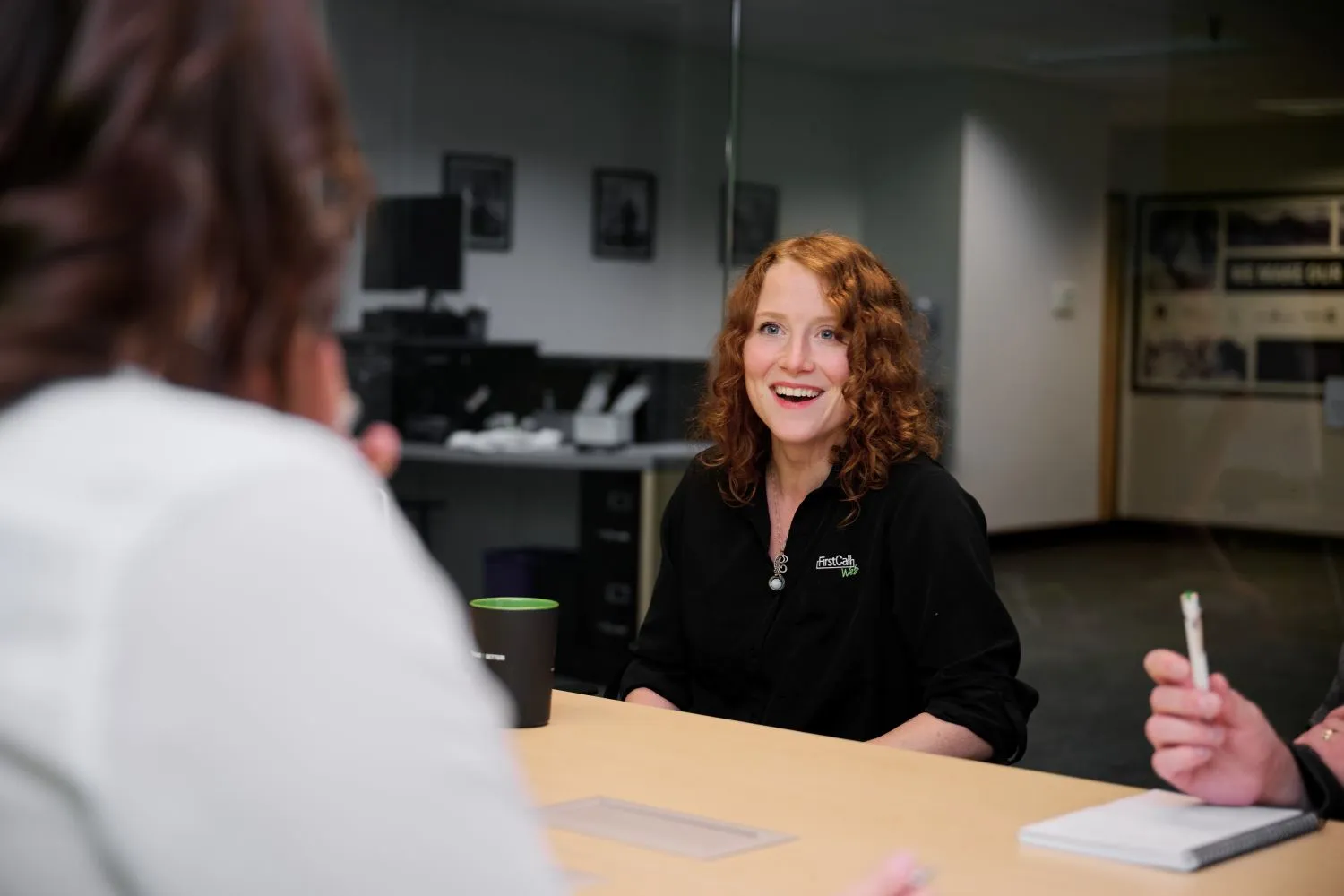
Book a free MarketingStack Challenge and we’ll walk through your website together. Cassia will help identify accessibility concerns, explain what matters for your industry, and give you an honest assessment of where things stand today.